The client says "I gave you access to QuickBooks, just pull whatever you need."
Great. Except the file you pull determines how the next two hours go, and QuickBooks Online will happily hand you five different reports that all look like a trial balance and behave completely differently once you try to use one.
Here is which report to run, the settings to fix before you run it, and what the export still gets wrong.
Run the Trial Balance report, not the alternatives
In QBO, go to Reports and search for Trial Balance. Not General Ledger, which gives you every transaction and will be forty thousand rows. Not Balance Sheet plus Profit and Loss separately, which means reconciling two reports that were run at possibly different moments. Not the Chart of Accounts export, which has no balances on it at all.
The Trial Balance report gives you one row per account with a debit or credit balance, which is what you actually need.
Fix these three settings before you export
1. Turn on account numbers. By default QBO hides them. Account and Settings, then Advanced, then the Chart of Accounts section, then enable account numbers.
This matters more than it sounds. Account numbers give you a stable identifier that survives the client renaming "Advertising" to "Advertising and Marketing" halfway through the year. They also give tax software something to key on. Without them you are matching on names, and names change.
If the client has never used account numbers at all, you cannot retroactively invent good ones, but knowing that in advance is better than discovering it mid-import.
2. Set the accounting method deliberately. The report has a cash and accrual toggle, and the default is whatever the company file is set to, which is not necessarily what the return is filed on.
This is the single most expensive setting on the page. Pull an accrual trial balance for a cash-basis return and every receivable and payable is wrong. The numbers will look completely plausible. Nothing will flag it. Decide which basis the return is on, set the toggle to match, and note which one you used.
3. Set the date range to the full fiscal year. Obvious, and still worth checking, because QBO likes to default to something helpful like this month or year to date. A trial balance run through November 30 will foot perfectly and be wrong.
Then export to Excel, not PDF
Use the export button and choose Excel. PDF is for humans. A PDF trial balance means somebody is retyping eighty numbers, which is the exact failure this whole exercise exists to avoid.
What the export still gets wrong
Even done correctly, the file you get is not clean. Expect to deal with:
Header junk. QBO puts the company name, report title, and date range in the first several rows above the actual column headers. Most import tools expect headers in row one.
A total row at the bottom. It will try to import as an account called "TOTAL" with an enormous balance. Delete it, or make sure whatever you feed the file to knows to skip it.
Sub-account indentation. QBO indicates hierarchy with leading spaces or by concatenating parent and child with a colon, depending on settings. Either way the account name you get may not be the account name you expect.
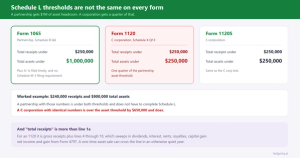
Hidden zero-balance accounts. By default the report omits accounts with no activity. Usually fine. Occasionally not, if you were counting on seeing an account that went to zero and needs a beginning balance on Schedule L.
Merged cells. Cosmetic in Excel, actively hostile to anything parsing the file.
Two things to ask the client while you are in there
Has anything been reclassified since year end? QBO lets users edit prior period transactions with no barrier at all. A trial balance you pulled in February and one you pull in April can genuinely differ for a closed year. If the numbers you filed have to be reproducible, note the date you pulled the file.
Are there undeposited funds or an uncleared clearing account? These are the accounts that quietly hold things nobody classified. A balance sitting in Undeposited Funds at year end usually means something did not get recorded properly, and it is easier to ask now than to explain later.
The part after the export
You now have a spreadsheet with eighty accounts named however this particular bookkeeper names things. Nothing about it corresponds to a tax return line. That translation is the actual work, and it is the same work every year for every client.
This is where Ledger IQ picks up. You upload the file as it came out of QuickBooks, header junk and all, and map each account to a real line on the return. The mapping is remembered, so next year the same client's accounts arrive already categorized and you are reviewing decisions rather than remaking them.
Adjusting entries post against the trial balance with references, which covers the depreciation the bookkeeper never recorded and the accrual the client forgot. Book to tax items post separately as tax journal entries with their own M-1 and M-2 offsets, so the client's financial statements stay intact while the tax difference is tracked where Schedule M-1 wants it.
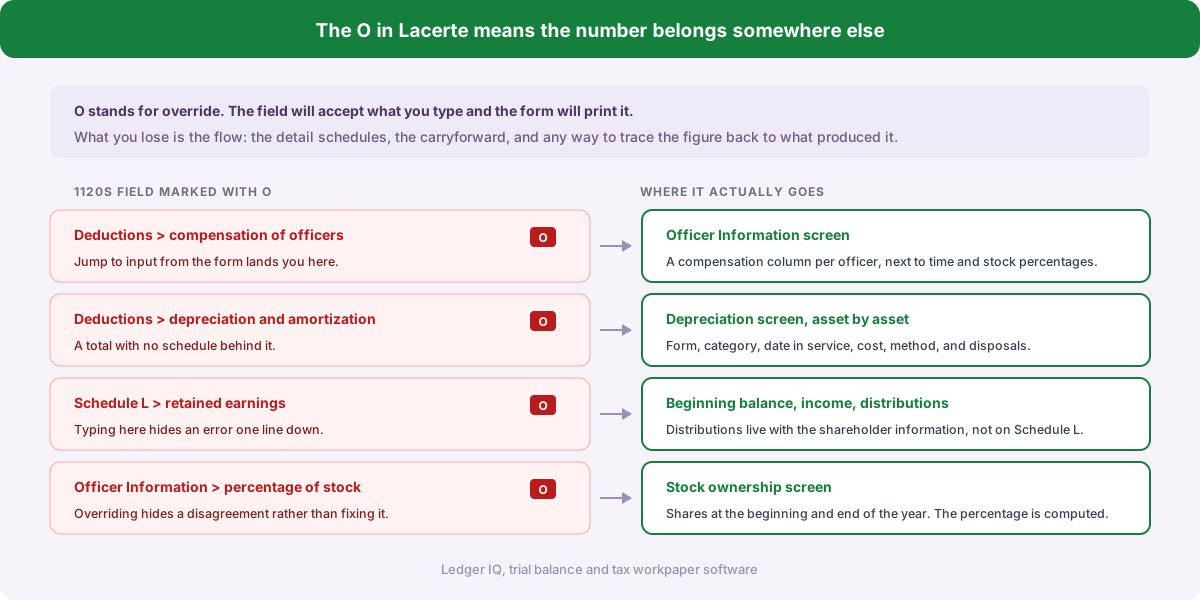
Then the balances flow into the import file for Drake, Lacerte or UltraTax CS without anybody retyping a figure. Which brings this back to where it started: the whole reason to care which report you pull is that the numbers in it should reach the return unmodified. Every step where a human retypes one is a step where it can go wrong.
Ledger IQ supports Forms 1065, 1120S and 1120. Your first return is free, so you can try it at portal.ledgeriq.ai with a real QuickBooks export and no credit card.